
How to Convert OP (Osuuspankki) Bank Statements to Excel and CSV
A step-by-step guide to turning your OP statements into usable spreadsheet formats, built for Finland.
OP's download link is honest about its limits, if you read the Finnish closely. Lataa pelkät tilitapahtumat means download only the account transactions, and that is exactly what you get. Not the tiliote, not the account details, not even the IBAN inside the file. Developers have written parsers on GitHub specifically because of what that CSV leaves out.
This guide explains what OP's transaction export actually contains, what the statement holds that it does not, and how StatementSheet turns your OP PDF statements into clean Excel or CSV files.
Can You Download OP Bank Statements Directly in Excel or CSV?
Short answer: there is a CSV, but it holds transactions only. The full statement, and even the account number, are not in it.
OP Financial Group, Finland's largest financial group, is unusual in structure: it is not one bank but 180 local cooperative banks with a central organisation, serving around two million customer-owners. The op.fi service is shared across them, and available in Finnish, Swedish and English.
There is a genuine CSV download. Under Päivittäiset raha-asiat, then Tilit or Tiliotteet, you search the month's transactions and select the link to download them as a file. But read the wording: Lataa pelkät tilitapahtumat translates as download only the account transactions. Only is doing a lot of work there. What you receive is a transaction list, not the tiliote, the official account statement.
The gap is real enough that Finnish developers have published parsers on GitHub to work around it, noting that the CSV covers transactions alone. More awkwardly, the file contains no account information at all: no IBAN, nothing identifying which account it came from. Handle two accounts and the files are indistinguishable except by filename. Converting the statement PDF avoids all of it.
Why Convert OP PDF Statements to Excel or CSV?
The CSV gives you transactions and nothing else. The statement holds the rest:
- Keep the account details the CSV dropsOP's transaction CSV contains no account information, not even an IBAN. With several accounts the files are impossible to tell apart from the inside. A converted statement keeps the account identity attached to the data.
- Get the tiliote, not just a transaction listThe download is explicitly labelled transactions only. The tiliote is the official statement, with opening and closing balances that let you prove nothing is missing. Converting it gives you both the figures and the structure.
- Reconcile across a cooperative structureOP is 180 local cooperative banks under one brand. If you hold accounts at more than one, converting statements into a single column structure is what makes them comparable.
- Support year-end documentationFor year-end, OP provides balance and interest certificates and voucher statements through its financial statements service. A converted statement sits alongside them as the transaction level detail.
- Import into Procountor, Netvisor or ExcelA clean CSV imports straight into the accounting software used across Finland, without hand-fixing separators or re-attaching account numbers first.
Transaction CSV vs. Tiliote: Which Should You Use?
OP offers both, and the difference is larger than the names suggest.
| Critère | Transaction CSV | Tiliote PDF (converted) |
|---|---|---|
| Contains account details | No, not even the IBAN | Yes, account identified throughout |
| Opening and closing balances | No, transactions only | Yes, so you can verify completeness |
| Official document | No | Yes, the tiliote is the record |
| Distinguishable between accounts | Only by filename | Yes, from the content itself |
| Best for | Quick transaction lists | Year-end, audits, reconciliation |
Simple rule: For a quick look at a month's transactions, the CSV is fine. For anything you need to prove or reconcile, convert the tiliote.
Why Use StatementSheet?
StatementSheet reads your OP tiliote PDF and turns every transaction line into a structured spreadsheet row, with no copying, pasting or manual cleanup.
- ✔️ Keeps account details that OP's transaction CSV leaves out entirely
- ✔️ Preserves opening and closing balances so you can verify nothing is missing
- ✔️ Handles statements from any of OP's local cooperative banks
- ✔️ Reads Finnish and Swedish statement layouts from op.fi
- ✔️ Euro amounts with comma decimals returned as calculable numbers
- ✔️ Ready for Procountor, Netvisor and Excel
- ✔️ Scanned statements handled by OCR, with files processed securely
Which OP Documents Can You Convert?
OP serves personal and business customers throughout Finland. StatementSheet handles:
- OP tiliote account statements in PDF
- OP savings and current account statements
- OP card statements
- Tositetiliotteet voucher statements used for year-end accounts
- Statements from local Osuuspankki cooperative banks, plus scanned copies
How to Convert OP PDF Statements in Four Easy Steps
Here is how to turn your OP PDF statements into Excel or CSV:
Step 1: Download Your OP Tiliote
- Log in to op.fi, available in Finnish, Swedish or English
- Open Päivittäiset raha-asiat, then Tilit or Tiliotteet
- Select the account and the statement period you need
- Download the tiliote as a PDF and save it
You may also see a link to download only the account transactions as a CSV file. It is genuinely useful for a quick list, but it contains transactions alone, with no account details inside the file. For year-end, business customers can additionally order balance and interest certificates through OP's financial statements service.
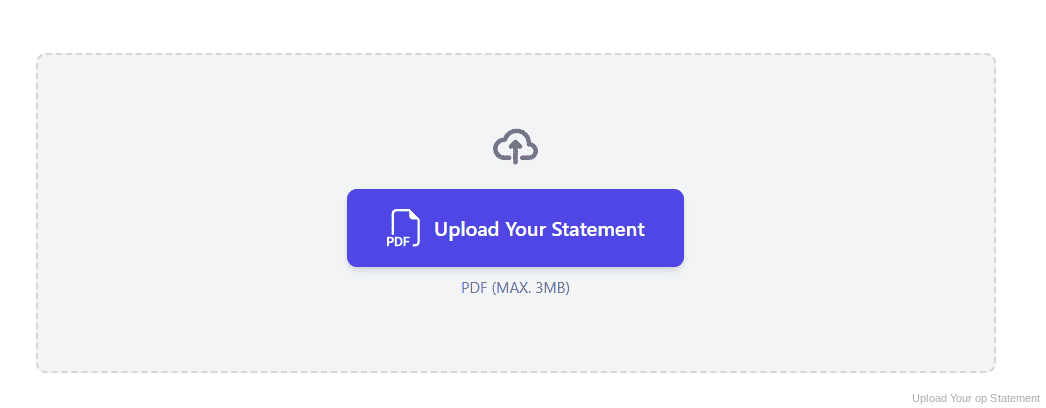
Step 2: Upload Your PDF Bank Statement
Step 3: Our engine converts it into a structured Excel or CSV file
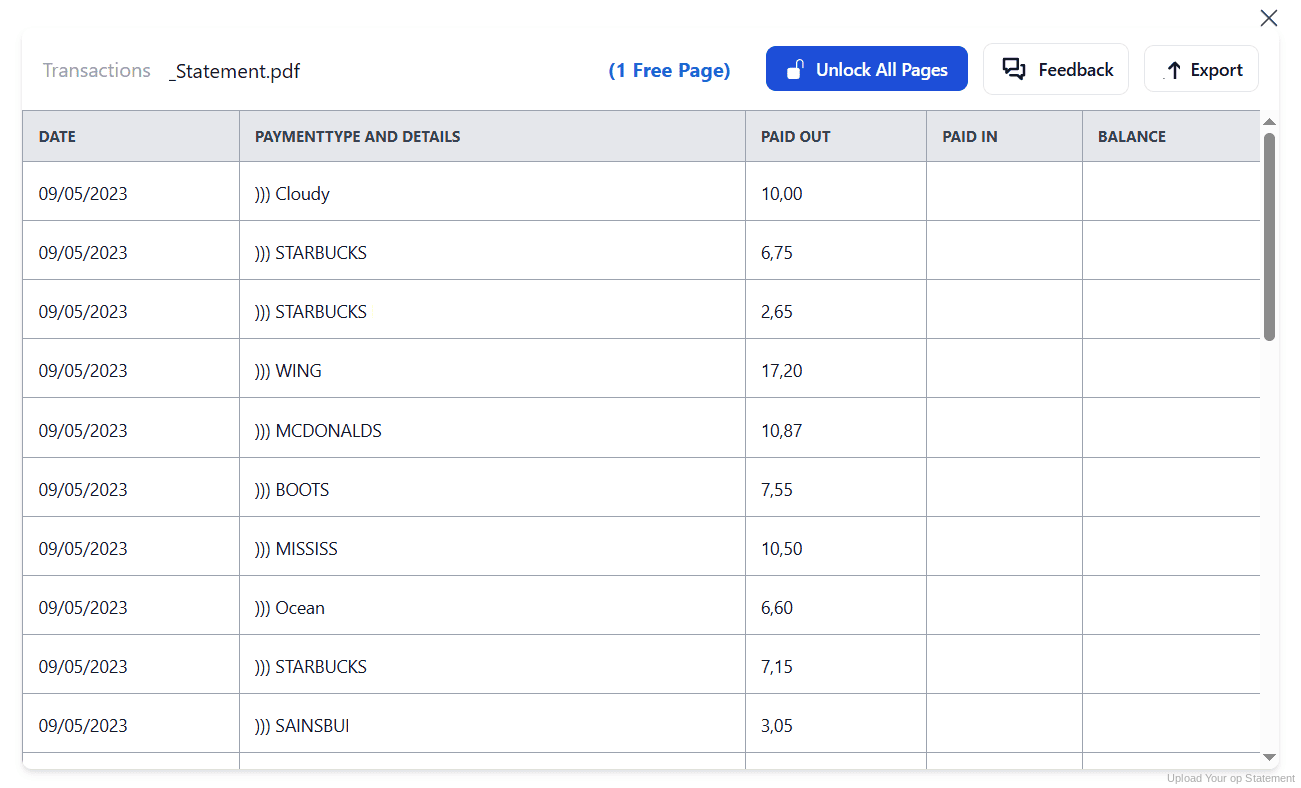
Step 4: Check the result and download your converted file instantly
Can You Convert OP Statements Manually?
The transaction CSV looks like a shortcut until you use it seriously. It carries no account information, so with two accounts you are relying on filenames alone to tell them apart. The problem is well known enough that Finnish developers have published parsers on GitHub to reconstruct what the export leaves out.
Copying from the tiliote PDF instead brings the usual difficulties. Euro amounts use a comma decimal and a space for thousands, so figures paste in as text. Statements may be in Finnish or Swedish depending on your settings, and long payment references wrap onto a second line.
An automatic converter reads the tiliote, keeps the account identity with the data, normalises Finnish decimals and rebuilds the transaction table with opening and closing balances intact. Check your totals against the closing balance afterwards to confirm the result.
Related Guides
More Nordic Bank Guides:
Frequently Asked Questions
Can I download OP transactions as a CSV?
Yes. Under Päivittäiset raha-asiat, then Tilit or Tiliotteet, search the period and select the link to download only the account transactions as a CSV file. Note that it contains transactions alone, not the full statement.
What is missing from OP's transaction CSV?
Account information. The file holds no IBAN or account identification inside it, so if you export several accounts the files can only be told apart by their filenames. Opening and closing balances are absent too.
What is a tiliote?
Tiliote is the Finnish term for the official account statement. Unlike the transaction CSV, it includes the account details and the opening and closing balances that let you verify nothing is missing.
Is op.fi available in English?
Yes. The op.fi service can be used in Finnish, Swedish or English, on a computer, tablet or mobile, so you can switch language if the Finnish labels are unfamiliar.
Is OP one bank or several?
OP Financial Group consists of around 180 local cooperative banks and their central organisation, serving about two million customer-owners. OP stands for osuuspankki, meaning cooperative bank.
What can business customers get for year-end?
Through OP's financial statements service, businesses can order balance certificates, interest certificates, loan balance confirmations and voucher statements needed for preparing annual accounts.
Tips for Organizing Your Converted OP Statements
Once your statements are converted to Excel or CSV, here is how to get the most out of them:
- Name transaction files by account immediatelySince OP's CSV holds no account information inside it, rename each download with the account it came from as soon as you save it. Otherwise two files become indistinguishable within a week.
- Prefer the tiliote for anything you must proveThe transaction CSV is a list; the tiliote is the record. For audits, loan applications or year-end, work from the converted statement so your balances are verifiable.
- Switch op.fi to your preferred languageThe service runs in Finnish, Swedish and English. If statement labels are slowing you down, changing language is faster than translating them each month.
- Order year-end certificates in one goBalance certificates, interest certificates and voucher statements can be ordered together through OP's financial statements service, rather than chased separately when your accountant asks.
- Keep records for six yearsFinnish accounting rules require records to be kept for at least six years. Keep the original PDF: in a review it is the source document that counts, not your spreadsheet.
Troubleshooting Common OP Conversion Issues
- You cannot tell which account a CSV came fromOP's transaction CSV contains no account details. Rename files as you download them, or convert the tiliote instead, which keeps the account identity with the data.
- Your CSV has no opening or closing balanceThat is expected: the download is labelled transactions only. Without balances you cannot verify completeness, so use the converted tiliote when it matters.
- Statement labels are in Finnish or SwedishYou can switch op.fi to English. A conversion also maps the statement columns to clear headers regardless of the original language.
- Euro amounts are treated as textFinnish figures use a comma decimal and a space for thousands, which spreadsheets read as text when pasted. A clean conversion returns them as numbers.
Final Thoughts: Take Control of Your Financial Data
OP does provide a CSV, but it is labelled transactions only for good reason: no account details, no IBAN, no opening or closing balances. The tiliote holds all of that, and it comes as a PDF.
With StatementSheet, your OP tiliote PDFs become clean Excel or CSV files: account identity preserved, balances intact, euro decimals handled properly, ready for Procountor, Netvisor or your accountant.
Ready to convert your OP bank statement to Excel or CSV?
➡️ Ready to convert bank statement PDF to CSV? with your account details kept intact.